 No login required
Have you ever tried sending an entire album of 100 photos from your phone to your PC using a web browser tool?
Usually, one of two terrible things happens:
- The tool forces your browser to compress all 100 photos into a massive
.zipfile before it even starts sending, crashing your browser due to memory limits. - The tool sends them one by one, forcing you to click "Save" 100 times on the receiving end.
We completely redesigned how batch file transfers work in Textunnel to solve this exact problem.
The "Batch Transfer" UI
When you drag and drop multiple files into Textunnel, we don't freeze your browser by trying to zip them up. Instead, we use WebRTC's incredible parallel data channels to stream the files directly to the receiver concurrently.
On the receiving end, Textunnel groups these incoming files into a beautiful, native-feeling "Batch Transfer" card.
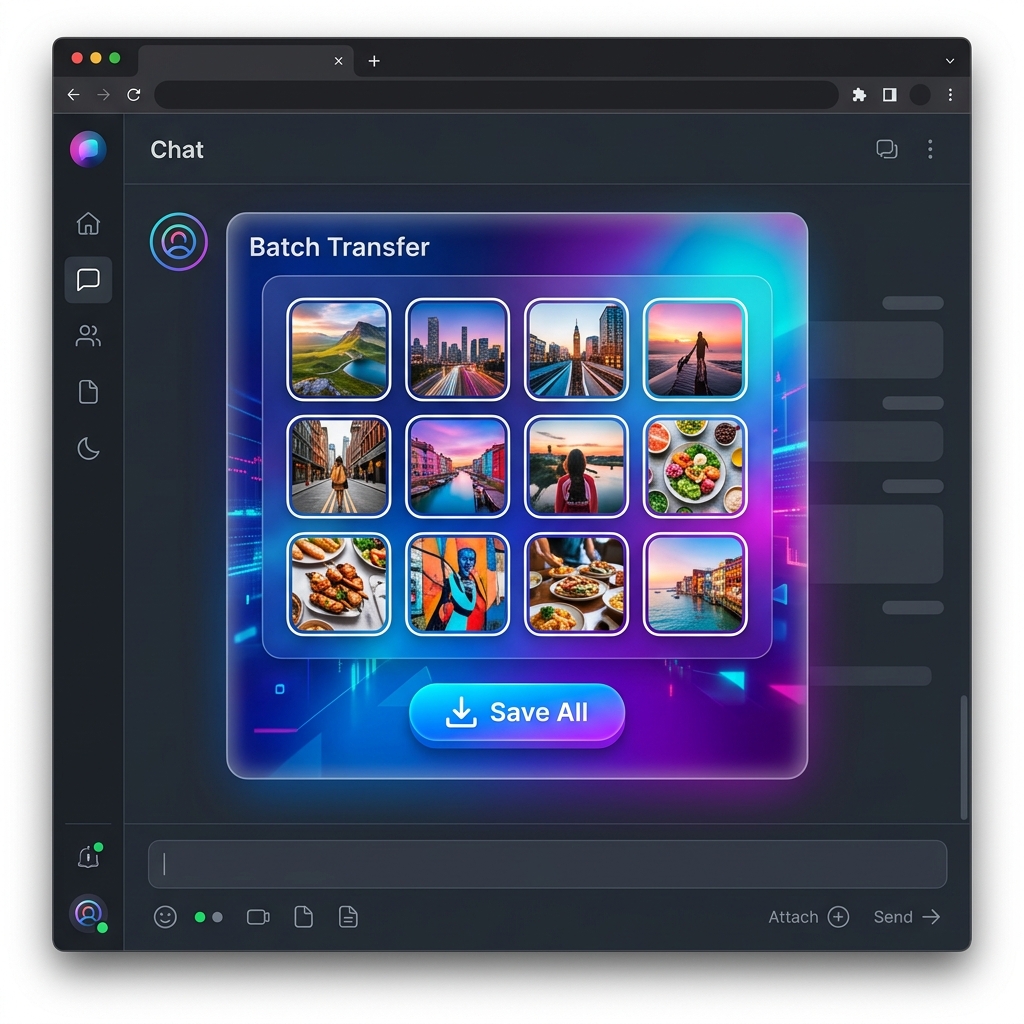 Batch Transfer UI
You can watch the progress of all your files simultaneously. And the best part? The Save All button.
Native Auto-Save via File System Access API
If you are using a modern desktop browser (like Chrome or Edge), clicking Save All doesn't trigger 100 separate download prompts.
Instead, Textunnel leverages the cutting-edge File System Access API. We simply ask you to pick a folder on your computer once. After you authorize the folder, all 100 files are silently and automatically saved directly to your hard drive, exactly like how AirDrop saves files to your Downloads folder on a Mac.
No cloud uploads, no storage limits, and absolutely no ZIP files to extract later.
How to Try It
- Open Textunnel on your phone and your PC.
- Pair the devices (or just enter the same room code).
- Select a huge batch of photos or files on your phone and send them.
- On your PC, click Save All, pick a folder, and watch the magic happen.
Experience the world's most advanced browser-based file transfer today.


