P2P File Sharing Explained
Peer-to-peer (P2P) file sharing lets two devices exchange files directly instead of relying on a central server. Here's how it works and when you should use it.
 No login required
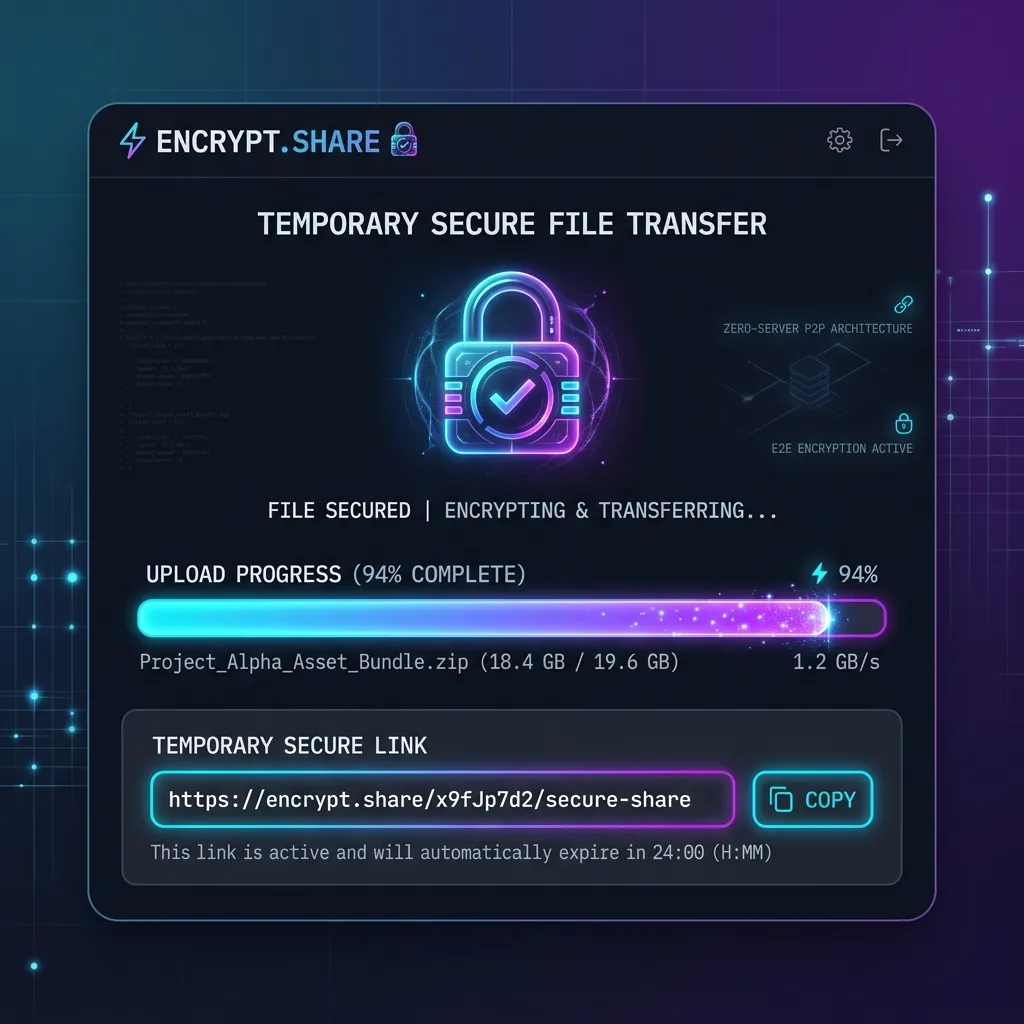 P2P File Sharing Explained
- P2P file sharing sends files directly between devices.
- It often reduces upload and download delays compared with cloud storage.
- Many modern file-sharing tools use local network or direct peer-to-peer connections.
- The best method depends on whether your devices are nearby or in different locations.
What Is Peer-to-Peer (P2P) File Sharing?
Most people share files every day, whether it's sending photos to family, moving work documents between computers, or transferring videos to another device.
Many assume every file must travel through a remote cloud server. In reality, peer-to-peer (P2P) file sharing allows two devices to communicate directly—making transfers faster, more private, and drastically more efficient.
Understanding how P2P works makes it much easier to choose the right tool for different scenarios.
P2P stands for peer-to-peer.
Instead of uploading a file to a central server before someone downloads it, the sending device communicates directly with the receiving device whenever possible.
Think of it like handing a document directly to a colleague instead of leaving it in a shared mailbox.
This approach removes an unnecessary middle step.
- Anyone learning how modern file sharing works.
- People comparing cloud storage with direct transfers.
- Users choosing a file-sharing solution.
- Windows
- macOS
- Linux
- Android
- iPhone
How Does It Work?
Although implementations vary, most P2P file-sharing systems follow a similar process.
- Two devices discover each other.
- A secure connection is established.
- The sender begins transmitting data.
- The receiver stores the file locally.
- The connection closes after the transfer finishes.
Some applications use your local Wi-Fi network, while others can establish encrypted connections over the internet.
Benefits of P2P File Sharing
Faster transfers
Because files don't always travel through a third-party server, local transfers can often finish much faster.
Better privacy
Direct transfers usually reduce the number of systems that handle your data.
No upload waiting
Traditional cloud sharing often requires uploading a file before anyone else can download it.
With many P2P solutions, the transfer begins immediately.
Cross-platform support
Modern P2P tools often support multiple operating systems, making them useful for mixed-device environments.
When Cloud Storage Is Still Better
P2P isn't the perfect solution for every situation.
Cloud storage is usually a better choice when:
- You need permanent online storage.
- Multiple people need ongoing access to the same files.
- Devices aren't available at the same time.
- You want automatic synchronization across devices.
Many people use both approaches depending on the task.
| P2P File Sharing | Cloud Storage |
|---|---|
| Direct device-to-device | Files stored on remote servers |
| Often faster on local networks | Upload before download |
| Temporary transfer | Long-term storage |
| Minimal setup | Account usually required |
Transfer routes and practical limits
No reproducible cross-product benchmark is provided here. Compare the same file on your actual devices, record the selected route, and verify the downloaded bytes.
Textunnel speed depends on the selected route, devices, and browser. MQTT file fallback accepts up to 25 MiB; browser memory, share links, and folder packing have a 256 MiB budget/limit. Larger room files require a supported direct-to-disk API. A WebRTC path can be direct or use TURN; internet-free transfer is not implied by joining the same room. Save received files before reloading. Public-room broker payloads require a room password for encryption.
Common Uses for P2P File Sharing
People commonly use P2P transfers for:
- Sharing vacation photos
- Sending large videos
- Moving project folders
- Exchanging PDFs
- Sharing presentations
- Copying code snippets between computers
Because files move directly between devices, this approach is especially useful for large transfers.
If both devices are nearby, a direct peer-to-peer connection is often faster than uploading files to a cloud service and downloading them again.
Not every app labeled as "P2P" works exactly the same way. Some use your local network exclusively, while others combine direct connections with internet-based technologies to help devices find each other.
Frequently Asked Questions
Files often move without first being stored on a central server.
Direct connections can reduce transfer time and improve efficiency.
Online backups and multi-device synchronization remain important use cases.
Understanding the underlying technology helps you choose the right solution.